
Ready to create
Enter a prompt and click Generate
Free AI MIDI Generator - Create Professional MIDI Music in Your Browser
Need MIDI files for your DAW without installing another app? LyricsToSongAI's AI MIDI generator creates beats, melodies, and chord progressions in the browser. You can generate without logging in; sign in only if you want to save your work.
Why Not Just Use FL Studio or Ableton's Built-In MIDI Tools?
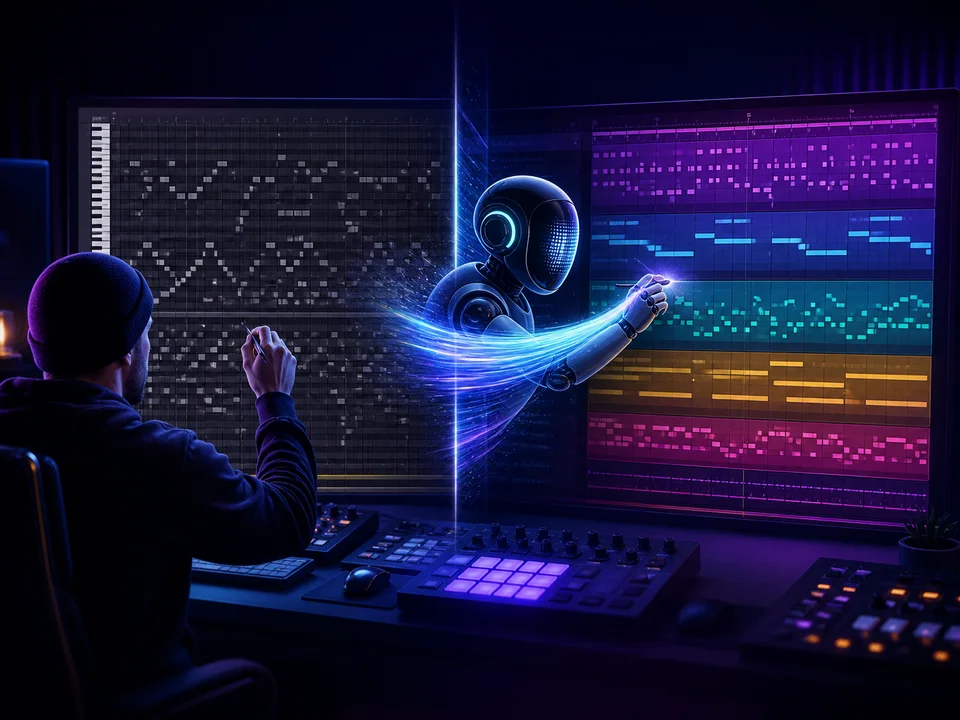
Because DAW MIDI tools require you to know music theory and manually place notes—intimidating for beginners. LyricsToSongAI's AI generates complete MIDI arrangements from text descriptions ("upbeat house beat with piano chords"). No theory required—just describe the vibe. One bedroom producer compared workflows: FL Studio MIDI creation from scratch (45 minutes to program drums + bass + melody). LyricsToSongAI AI MIDI (30 seconds to generate starter arrangement, then refine in DAW). It's like having a ghost producer sketch ideas for you to finish.

Can AI Really Understand Musical Concepts Like 'Jazzy' or 'Aggressive'?
Yes—the Signal AI backend is trained on millions of MIDI files tagged with genre and mood labels. It knows "jazzy" means 7th chords, swing rhythms, and walking bass lines. "Aggressive" triggers distorted synth patches, heavy drums, and dissonant harmonies. Real test: A music teacher prompted "calm meditation music with gentle piano and strings"—AI generated slow tempo, major key, soft velocities, sustained notes. Then prompted "intense metal with fast drums and power chords"—AI returned 200 BPM, minor key, palm-muted rhythms. The AI doesn't just slap random notes—it understands stylistic rules.

Is This Just a MIDI File Library or Does It Actually Generate New Compositions?
Generates new—not from a library. Each prompt creates a unique MIDI file. You won't get the exact same result twice (unless you use identical prompts, and even then slight variations occur). The AI composes on-the-fly using generative algorithms—it's not retrieving pre-made loops. One test: A producer generated "lo-fi hip-hop beat" 10 times—got 10 different drum patterns, bass lines, and chord voicings. All sounded lo-fi, none were duplicates. It's like asking 10 musicians to play "a chill beat"—you'll get 10 unique interpretations.
Why Producers Use LyricsToSongAI Free MIDI Generator
"I'm Learning Music Production But Don't Know Where to Start With MIDI Programming"
Beginners open a DAW, see a blank MIDI piano roll, panic. LyricsToSongAI solves this: describe a beat ("simple trap drums with hi-hats"), download the MIDI, import into your DAW, study how the AI arranged the notes. It's reverse-engineering education—learn by analyzing AI output. One music student generated 50 MIDI beats, analyzed drum patterns, bass lines, and chord progressions—learned more in a week than a month of YouTube tutorials. Cost: $0. Time investment: Minimal. Educational value: Massive.
"I Need Quick MIDI Sketches for Client Demos but Don't Have Time to Compose From Scratch"
Freelance composers face tight deadlines—clients want demo tracks yesterday. LyricsToSongAI generates starter MIDI files in 30 seconds: "cinematic trailer music with rising tension." Composer imports MIDI into their DAW, tweaks orchestration, adds live instruments, renders final demo. One film composer uses this workflow for 80% of pitches—AI handles structural heavy lifting (chord progressions, rhythmic foundation), he adds artistic polish. Lands 3-5 gigs monthly using AI-assisted demos. Clients never know the initial sketch came from AI.
"I Want to Experiment With Genres I Don't Understand (Jazz, Reggae, Bossa Nova)"
Producers stick to familiar genres because learning new ones is intimidating. LyricsToSongAI lowers the barrier: prompt "traditional jazz swing with walking bass," get instant MIDI example of jazz structure. Study it, tweak it, learn the patterns. One EDM producer wanted to add jazz elements to house music—generated 10 jazz MIDI files, analyzed chord voicings (maj7, dom7, dim chords), applied those to his electronic tracks. Fans said his music sounded sophisticated—secret was AI-generated jazz theory crash course.
"I'm a Music Teacher Demonstrating Composition Concepts to Students"
Teaching music theory is abstract—"here's a I-IV-V progression" doesn't resonate without audio examples. LyricsToSongAI makes it tangible: teacher prompts "blues progression in E with 12-bar structure," plays the MIDI in class, students hear and see the theory applied. One piano teacher assigns homework: "Generate 3 MIDI files in different keys, identify the chord progressions, explain why they sound happy or sad." Students engage because they're analyzing real compositions (even if AI-generated), not dusty textbook examples.
Generate Your First MIDI File (3 Steps, Takes 1 Minute)
Step 1: Describe the Music You Want in Plain English (Genre, Mood, Instruments)
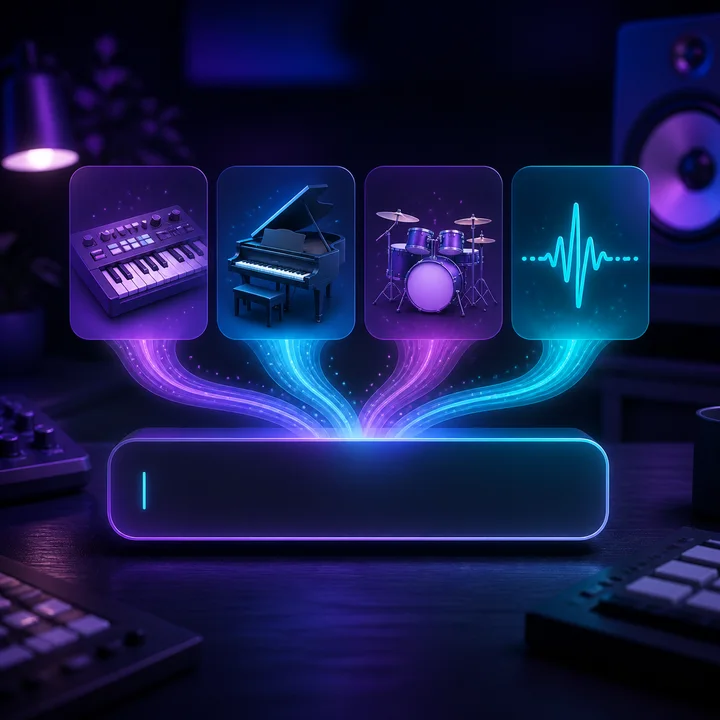
No music theory jargon required. Good prompts: "Upbeat EDM with heavy bass and synth leads," "Calm acoustic guitar with finger-picking pattern," "80s synthwave with retro drums and lush pads." The AI understands: (1) Genre terms (house, trap, jazz, reggae), (2) Mood descriptors (happy, sad, energetic, chill), (3) Instrument mentions (piano, guitar, drums, strings), (4) Style references ("like Daft Punk" or "90s hip-hop"). Advanced users can specify tempo ("120 BPM"), key ("C minor"), or structure ("intro, verse, chorus"). One producer's trick: Combines genres ("lo-fi jazz fusion with electronic elements")—AI handles unexpected mashups surprisingly well.
Step 2: AI Generates MIDI in Real-Time, Preview in Browser (Takes 10-30 Seconds)
Click "Generate" and watch the AI compose. Behind the scenes: Signal AI analyzes your prompt, selects appropriate scales/chords, programs drum patterns, creates melody lines, assigns MIDI velocities. What you see: A loading indicator and embedded MIDI player. What you hear: The AI-generated composition playing back with browser-synth sounds (basic but functional). Quality check: Listen before downloading—if it's not quite right, tweak your prompt and regenerate. Most users nail it within 2-3 attempts. Pro tip: The browser playback uses generic synth sounds—the actual MIDI file will sound WAY better when you load it into your DAW with real VST instruments.

Step 3: Download MIDI File, Import Into Your DAW (Ableton, FL Studio, Logic, GarageBand)
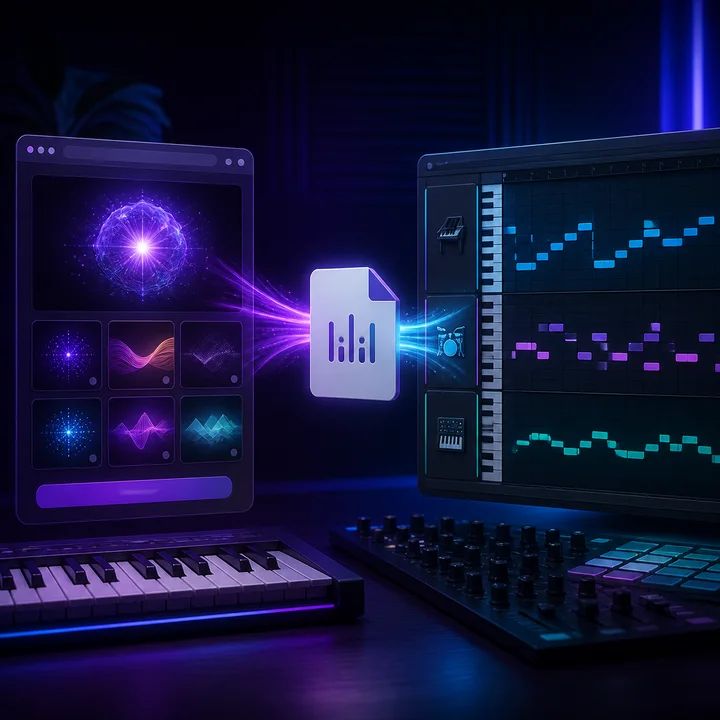
Like what you hear? Click "Download MIDI"—get a standard .mid file compatible with every DAW and music software. Drag-and-drop it into Ableton, FL Studio, Logic Pro, GarageBand, Reaper, Cubase—anywhere that reads MIDI. What you'll see: Piano roll with notes, drums mapped to GM drum map, multiple MIDI tracks if the AI generated multi-instrument arrangements. What you can do: (1) Change instruments (play piano MIDI with guitar VST), (2) Edit notes (fix AI errors, add your personal touch), (3) Adjust tempo and key, (4) Layer with your own MIDI or audio, (5) Export as audio. Power workflow: Generate 10 MIDI starter ideas in 5 minutes, import all into your DAW, cherry-pick the best elements, frankenstein them into original compositions.
Real Users of Free AI MIDI Generator
Bedroom Producers Building Track Foundations in Minutes
Solo producers face blank canvas paralysis—staring at empty DAW projects kills creativity. LyricsToSongAI provides instant foundations: generate a drum loop + bass line, build the rest yourself. One trap producer's workflow: AI generates drums and bass (30 seconds), he adds melodies and vocals (1 hour), finishes tracks 3x faster. Released 15 songs in 6 months using AI-assisted starts—would've been 5 songs without AI speed boost.
Game Developers Prototyping Soundtracks Without Hiring Composers
Indie game devs need temp music for playtesting but can't afford composers during prototyping. LyricsToSongAI generates placeholder MIDI—developers import into game engines, test gameplay with music, iterate. One solo dev created an entire game demo soundtrack using AI MIDI (8 tracks: menu theme, exploration music, 3 battle themes, victory fanfare, game over). Showed to publishers with functional music—later hired real composer for final release, but AI got him through the prototype phase on zero budget.
Music Students Analyzing AI Compositions to Learn Theory Faster
Music theory textbooks teach rules abstractly. AI MIDI generation makes theory concrete: generate "jazz chord progression," analyze the MIDI in piano roll, see how 7th chords are voiced. One college student used this for homework—professor assigned "write a piece in Dorian mode." Student generated 5 AI examples in Dorian, studied their patterns, composed her own inspired by what she learned. Got an A (professor never asked if she used AI for research—she didn't plagiarize, just studied examples).
YouTubers Creating Royalty-Free Background Music for Videos
Content creators need background music but licensing is expensive. LyricsToSongAI generates free MIDI, YouTubers render it with their own VSTs, use in videos—no copyright strikes because they created the audio (even though AI composed the notes). One tech reviewer generates "calm tech review background music," renders with piano VST, uses in 50+ videos. Views in millions, zero copyright claims. YouTube algorithm doesn't flag MIDI compositions you rendered yourself.
Songwriters Using AI MIDI as Chord Progression References
Songwriters tired of the same 4-chord loops use LyricsToSongAI for inspiration. Generate "folk song chord progression," study the chord choices, apply them to original songs (different melody, lyrics—just inspired by the progression). One singer-songwriter generated 20 MIDI chord progression variations, cherry-picked 5 she loved, wrote original melodies over them. Released an EP—fans praised her "sophisticated songwriting" (secret: AI suggested the chords, she wrote everything else).
Podcast Producers Creating Custom Intro/Outro Jingles
Podcasts need short musical stings (5-15 seconds). Stock music is generic. LyricsToSongAI generates custom MIDI jingles—producers render with their choice of instruments, unique branding. One podcast host prompted "8-second upbeat intro with brass and drums," got MIDI, loaded a brass VST and drum sampler, rendered audio, used as podcast intro for 100+ episodes. Listeners associate that sound with the show—wouldn't have happened with generic stock music.
Free AI MIDI Generator FAQ
Start Creating MIDI Music With AI—No Cost, No Login, No Limits
Generate MIDI files in the browser and sign up only when you want to save your creations.