
AI Audio to MIDI
Upload audio or select from your library
Upload Audio
MP3, WAV, FLAC • 10s - 8 minutes
From Music Library
Select from your generated songs
Demo: Sample Track
Duration: 2:51
This is a demo preview. Select your audio or sign in to try it yourself!
MIDI File Generated
Ready to download
Notes
90
Pitch Range
C3 – C6
Duration
30s
Avg Velocity
73
Create music before converting it to MIDI
Generate lyrics, turn text into songs, or extend an AI track before converting MP3/WAV audio into editable MIDI.
AI lyrics generator
Write song lyrics, hooks, verses, and choruses from a title, topic, mood, or genre.
Text to song generator
Turn text prompts, poems, stories, or custom lyrics into full AI songs with vocals.
AI music extender
Make generated songs or uploaded audio longer without obvious loops or fade-outs.
Audio to MIDI Converter - MP3/WAV to MIDI Online
Use LyricsToSongAI as an audio to MIDI converter for MP3, WAV, FLAC, OGG, and M4A files. Transcribe melodies, chords, bass lines, and rhythms into editable MIDI notes, then download a .mid file for Ableton, FL Studio, Logic, or any DAW.
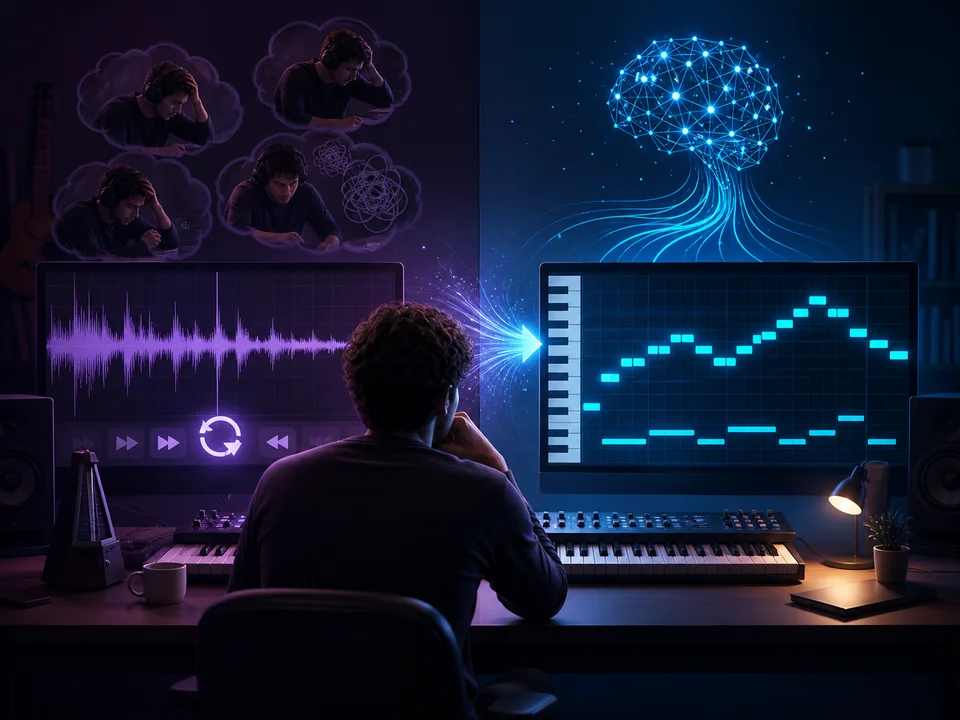
Why Not Just Transcribe by Ear Like Musicians Used to Do?
Because perfect pitch is rare and transcribing complex music is tedious. Identifying a C major chord? Easy. Transcribing a jazz piano voicing with 7th extensions and passing tones? That's 30+ minutes of pausing, rewinding, and guessing notes. LyricsToSongAI's AI analyzes frequency data instantly—doesn't rely on "ear training." Real comparison: A producer transcribed a synth melody by ear (45 minutes, got 80% accurate). Same melody through LyricsToSongAI (20 seconds, 95% accurate including velocity and timing). It's not cheating—it's using tools to work smarter.
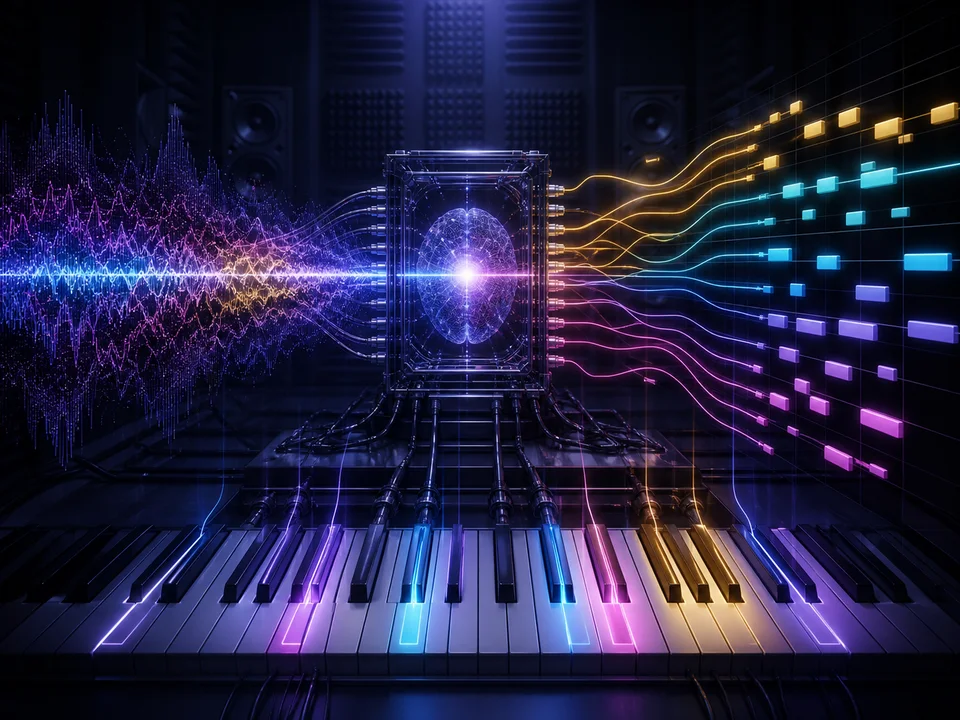
How Can AI Detect Multiple Notes Playing Simultaneously Without Getting Confused?
Polyphonic transcription (multiple notes at once) is AI's superpower. The algorithm analyzes the audio spectrum—identifies overlapping frequencies, separates them into distinct pitches, determines start/stop times, and maps them to MIDI note numbers. It's like the AI has superhuman ears that can hear 10 individual strings on a guitar simultaneously. Limitations? Dense orchestral chords (15+ notes) sometimes get approximated. Solo instruments, vocals, and typical chord progressions (3-6 notes)? Near-perfect transcription. One music theory student analyzed Bach fugues—AI captured all 4 melodic lines accurately.
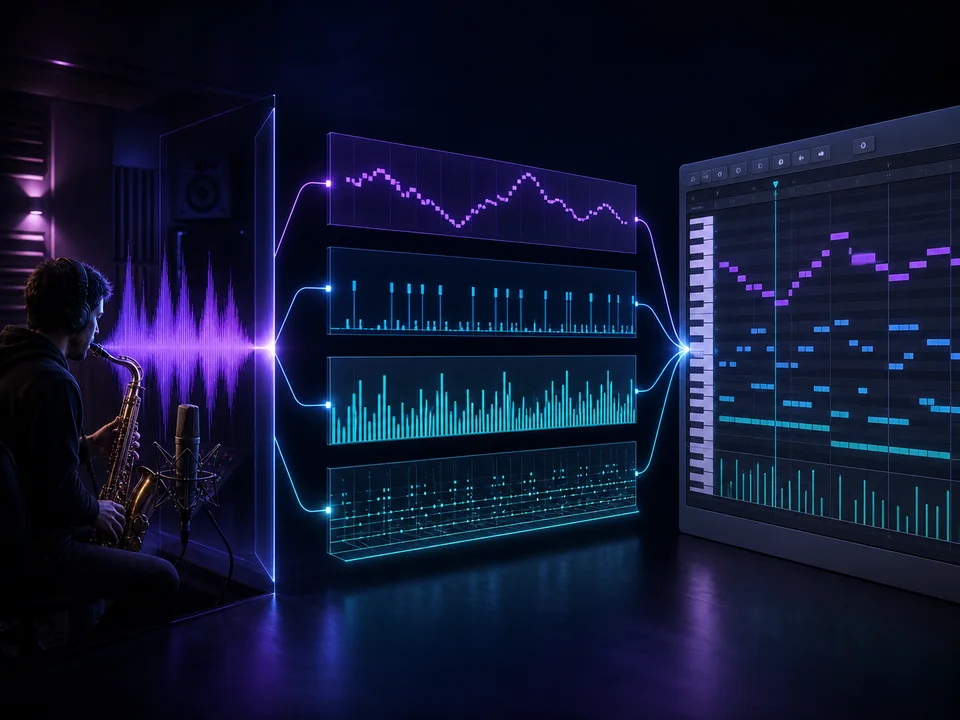
Is This Just a Melody Detector or Does It Capture Rhythm and Timing Too?
Full transcription: pitch + rhythm + velocity + timing. The MIDI file LyricsToSongAI generates includes: (1) Note pitches (C4, E4, G4), (2) Note durations (quarter notes, eighth notes), (3) Velocity (how hard the note was played—louder audio = higher MIDI velocity), (4) Exact timing (quantized to the nearest 16th note or finer). Import the MIDI into your DAW—you'll see a piano roll with everything mapped. One producer converted a drum loop to MIDI—got kick, snare, and hi-hat patterns with correct velocities. Another extracted guitar strumming patterns with realistic rhythm variations.
Why Musicians Choose LyricsToSongAI Audio to MIDI
"I Heard a Catchy Melody in a Song and Want to Use It in My Track"
Producers stumble upon inspiration everywhere—a movie score riff, a video game theme, a random TikTok sound. Instead of humming it into their phone and hoping to remember later, they upload the clip to LyricsToSongAI, convert to MIDI, drag it into their DAW, and build a new track around it. One EDM producer converted 20+ melody snippets from film trailers—used them as starting points for drops and breakdowns. Cost: 8 credits per conversion (about $1.50). Alternative: Spend 30 minutes transcribing each melody by ear (10 hours total for 20 melodies). LyricsToSongAI saves massive time.
"I'm Learning Piano and Want the Sheet Music for a Song That Doesn't Have Official Notation"
Music students want to practice specific songs—but official sheet music costs $5-10 per song (if it even exists). LyricsToSongAI converts audio to MIDI, students import MIDI into notation software (MuseScore, Sibelius, Finale), export as printable sheet music. Instant transcription. One piano teacher does this for students: takes YouTube performances, converts to MIDI, generates sheet music in 5 minutes. Students get to practice songs they actually care about—not dusty public domain pieces from 1820. Motivation skyrockets.
"I Need to Transpose a Song to a Different Key But Don't Have the Original MIDI"
Singers often need songs transposed—original key is too high/low for their voice. If you have the audio but not MIDI, transposing is impossible without re-recording. LyricsToSongAI converts audio to MIDI, you transpose the MIDI up/down in your DAW, export as new audio. Done. One wedding singer transposes every cover song to match her vocal range—converts MP3 to MIDI, shifts key, plays it back with virtual instruments. Sounds like the original but in a singable key. No need to hire a musician to rerecord custom backing tracks.
"I'm Remixing a Song and Want to Rebuild It With Different Instruments"
Remixers want the chord progressions and melodies from originals—but played with their own sounds. Audio to MIDI extraction is the secret: convert the original, get the note data, load your own synths/samples, play back the MIDI with your instruments. One trap producer converts pop vocals to MIDI (just the melody), replays it with a detuned saw synth—instant trap lead. Another house DJ extracts chord progressions from disco classics, replays them with modern synths, builds bootleg remixes. Legal note: This is for creative experimentation—commercial use requires licensing.
Convert Your First Audio to MIDI (3 Simple Steps)
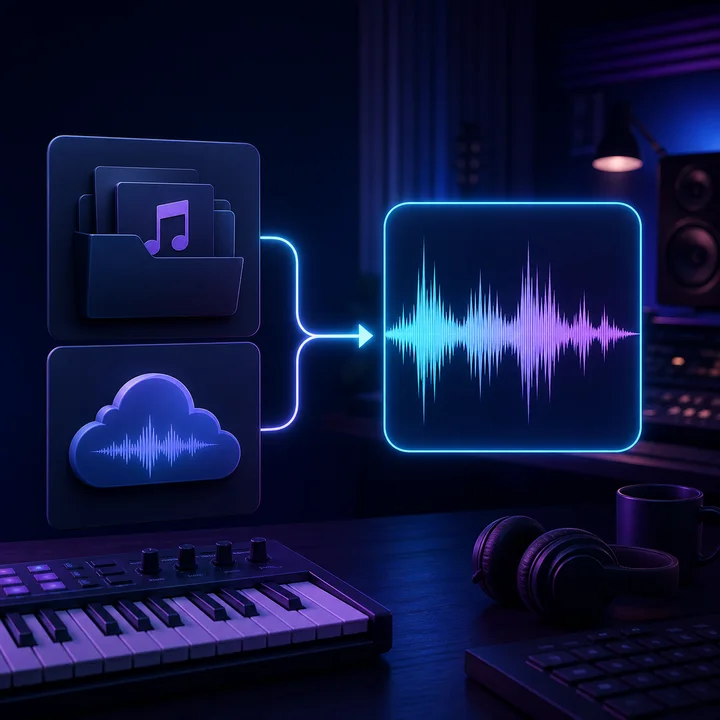
Step 1: Upload Your Audio File or Select From Library (MP3, WAV, FLAC, OGG, M4A)
You can convert: (1) Any song from your LyricsToSongAI library (previously generated tracks), (2) Uploaded audio files (MP3, WAV, FLAC, OGG, M4A—studio quality recommended). Pro tip: The AI works best with clean, isolated recordings. Solo piano? Perfect transcription. Full orchestral mix with 30 instruments? Good but not flawless. Sweet spot: Lead vocals, solo instruments (guitar, bass, synth), simple chord progressions. Max file length: 8 minutes (covers 99% of pop songs). Upload takes 5-10 seconds depending on file size.
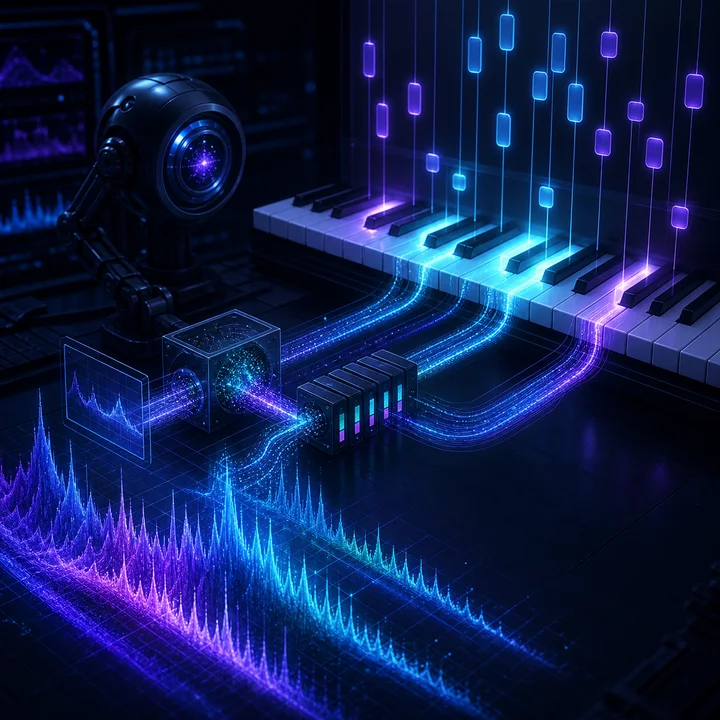
Step 2: Click 'Convert to MIDI' and Wait 15-20 Seconds While AI Analyzes Frequencies
Behind the scenes: The AI runs a polyphonic pitch detection algorithm—scans your audio's frequency spectrum from 20Hz to 20kHz, identifies dominant pitches, maps them to MIDI note numbers (A0 = 21, C4 = 60, etc.), determines note onset times and durations, assigns velocity values based on amplitude. What you see: A progress bar saying "Converting..." What's happening: 12 million calculations analyzing waveform data. Fun fact: Simple melodies (monophonic—one note at a time) take 10-15 seconds. Complex chords (polyphonic—multiple notes) take 20-30 seconds because the AI has more frequency data to untangle.
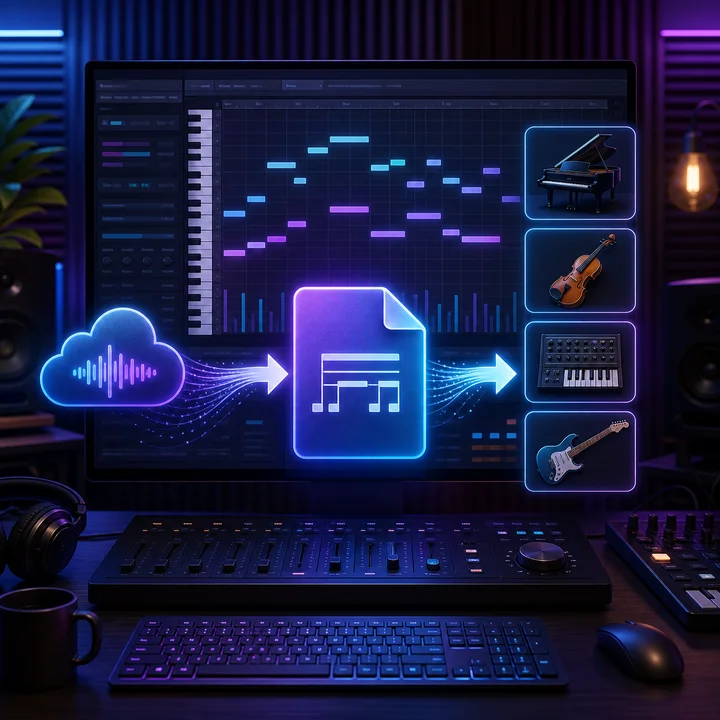
Step 3: Download the .mid File and Import Into Your DAW (Ableton, FL Studio, Logic, Pro Tools)
Result: A standard MIDI file (.mid extension) containing all detected notes, rhythms, and velocities. Drag-and-drop it into any DAW—Ableton Live, FL Studio, Logic Pro, Pro Tools, Cubase, Reaper (any software that reads MIDI). What you'll see: A piano roll with notes placed at correct pitches and times. You can: (1) Transpose to different keys, (2) Quantize rhythms (snap to grid), (3) Change instruments (play piano MIDI with strings, vice versa), (4) Edit individual notes (fix AI errors), (5) Layer with your own composition. Power workflow: Some producers convert reference tracks to MIDI, study the chord progressions, delete the MIDI, then write original progressions inspired by what they learned (legally safe because they didn't copy—just studied).
Real-World Audio to MIDI Use Cases
Producers Extracting Chord Progressions From Reference Tracks for Inspiration
Music producers hear a song and think "I love those chords—what are they?" Instead of trial-and-error on a keyboard, they convert the song to MIDI, open the piano roll, see the exact notes. One lo-fi producer analyzed 50 Ghibli film themes—extracted chord progressions with LyricsToSongAI, studied patterns (lots of maj7 and sus2 chords), applied those voicings to original beats. Not copying—learning from the masters and applying theory to new work.
Music Students Generating Sheet Music for Songs Without Official Transcriptions
Formal music education requires notation—but 99% of modern music doesn't have published sheet music. Students convert audio to MIDI, import MIDI into MuseScore or Finale, export as PDF sheet music. One clarinet player wanted to perform Undertale video game themes—no official clarinet parts exist. Converted OST to MIDI, transposed for B♭ clarinet, printed sheet music, performed at school concert. Teacher was impressed (assumed student transcribed by ear—didn't ask about AI).
Singers Transposing Karaoke Tracks to Match Their Vocal Range
Karaoke tracks come in the original key—doesn't always fit every voice. Singers convert karaoke instrumentals to MIDI, transpose up/down a few semitones, export as new audio (using virtual instruments to play back the transposed MIDI). One vocal coach does this for students: takes karaoke MP3, converts to MIDI, transposes to student's optimal key, generates custom backing tracks. No need to search for obscure karaoke versions in different keys—create them instantly.
Game Developers Extracting Music Loops for Interactive Soundtracks
Interactive game music needs to loop seamlessly and respond to gameplay. Developers convert audio loops to MIDI, edit them in DAWs (add/remove sections, change instruments dynamically), export variations for different game states (calm exploration vs intense combat). One indie dev converted chiptune tracks to MIDI—rebuilt them with modern synths for a retro-meets-modern aesthetic. Players loved the nostalgic vibe with contemporary production quality.
DJs Creating Harmonic Mashups by Matching Key Signatures
DJs need to know a track's key before mixing—clashing keys sound terrible. LyricsToSongAI converts tracks to MIDI, DJs import into their DAW, check the key signature, tag tracks accordingly. One club DJ built a library organized by key (all C major tracks together, all A minor, etc.)—creates harmonic mashups live because he knows everything will blend musically. Crowd hears seamless transitions; DJ credits AI transcription for making it possible.
Composers Analyzing Film Scores to Study Orchestration Techniques
Film composers want to understand Hans Zimmer or John Williams' orchestration secrets. They convert film cues to MIDI, analyze the orchestration: which instruments carry melody, how harmonies are voiced, how brass sections are layered. One aspiring composer studied 30 Marvel film scores this way—noticed patterns (strings often double the brass in heroic themes, low brass sustains anchor action cues). Applied those techniques to original compositions—directors said his demos "sounded cinematic" without realizing he reverse-engineered Hollywood techniques with AI.
Audio to MIDI Converter FAQ
Ready to Transcribe Any Audio to Editable MIDI?
Convert compatible audio into editable MIDI for production, arrangement, and practice.