
Cover Song
Choose from library or upload
Upload Audio
MP3, WAV, FLAC • 10s - 1 minute
Upgrade to upload files
Your Library
Sign in to access your music library

Burning the Sky
3:04
Burning the Sky
3:04

Burning the Sky
3:04

Burning the Sky
2:49
AI Cover Song Generator - Clone Any Voice & Singing Style
Want a track in a different vocal style or genre? LyricsToSongAI's cover generator transforms compatible audio based on the direction you provide. Results and generation time depend on the source audio and requested style.
Why Not Just Download Karaoke Tracks Instead?
Karaoke tracks are instrumentals without vocals—you still need to sing yourself. LyricsToSongAI's AI cover tool does something cooler: it takes any song and transforms the vocals into a completely different style or voice. Want a rock ballad as smooth R&B? A male rap song with female vocals? Just upload and describe the transformation. No singing skills required—the AI handles all the vocal performance.
Can AI Really Clone Singing Voices Without Sounding Robotic?
Early AI voice cloning sounded like Siri attempting opera. Modern neural networks (like ours) analyze pitch, vibrato, breath control, and emotional tone—then generate new vocal performances that sound human. Real comparison: A YouTuber transformed a drill rap track into a 1950s jazz crooner version. Viewers couldn't tell it was AI until the reveal. The key? Upload high-quality source audio (studio recordings work best).

How Is This Different From Remix or Mashup Apps?
Remixes change the beat or tempo. Mashups combine two songs. AI cover generation rebuilds the entire vocal performance from scratch in a new style while keeping the original melody recognizable. Think of it like a chameleon changing colors—the structure stays the same, but everything else transforms. One creator turned a heavy metal song into a lullaby version for their baby using LyricsToSongAI. Same melody, completely different vibe.
Why Creators Choose LyricsToSongAI Cover Generator
"I Want to Upload Covers to YouTube But Can't Afford a Studio Vocalist"
Hiring a session vocalist costs $100-300 per song, plus studio time at $50-150/hour. With LyricsToSongAI, upload any instrumental track (or a song you want covered), describe the voice style you want ("female pop vocals, similar to Ariana Grande's range"), and get a professional-sounding cover for 5 credits (about $1). One cover artist generates 20+ vocal variations per month for their YouTube channel—saving $2,000+ in vocalist fees.
"My Vocal Range Can't Hit the Notes in Songs I Love"
You're not a soprano but love high-note ballads? LyricsToSongAI's AI doesn't have vocal range limits. Upload the song, specify "lower the pitch for male baritone vocals" or "transpose down one octave." The AI regenerates the entire vocal performance in your preferred range. Karaoke singers use this to practice songs that would normally be impossible for their voice type.
"I Want to Hear How My Song Would Sound With Different Singers"
Songwriters often wonder: "Would this work better with a female vocalist? What about a rap verse instead of sung melody?" Instead of recording multiple vocal demos (expensive and time-consuming), upload your track to LyricsToSongAI and generate 5-10 different vocal interpretations in minutes. One indie artist A/B tested three vocal styles with their audience before choosing which version to professionally record—saving weeks of studio time.
"I Need Clean Covers for Content Creation Without Copyright Strikes"
Using original recordings on YouTube/TikTok triggers copyright claims. Even "cover versions" from SoundCloud risk takedowns. LyricsToSongAI generates AI covers that are technically new vocal performances—you're not using the original artist's recording. Important note: This doesn't override the song's publishing rights (you still need sync licenses for commercial use), but it avoids performance copyright issues that come from using the original artist's voice.
Create Your First AI Cover in 3 Steps
Step 1: Upload Your Source Audio (8 Minutes Max, Any Format)
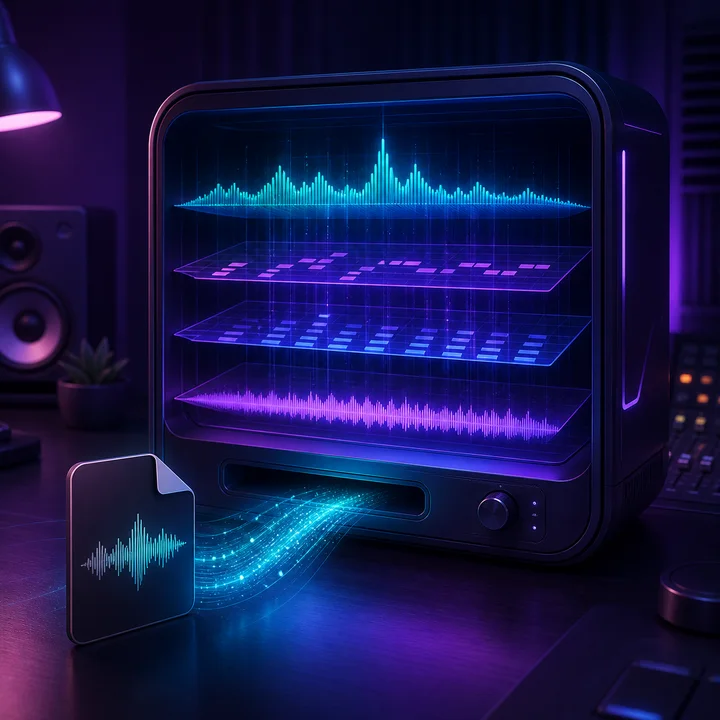
Drag and drop an MP3, WAV, or any audio file up to 8 minutes. Best results come from studio-quality recordings (not live concert bootlegs). You can upload: (1) A full song you want covered, (2) An instrumental track you want vocals added to, (3) Your own vocal demo that you want transformed. The AI extracts the melody, chords, and structure during upload—this takes about 10 seconds.
Step 2: Describe the Cover Style You Want (Be Specific for Best Results)
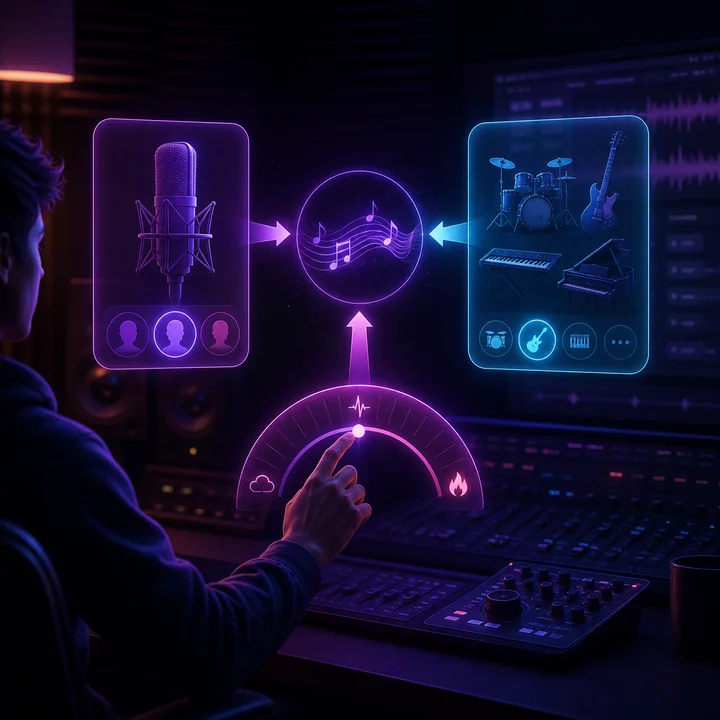
Bad example: "Make it sound good." Good example: "Transform into 1980s synth-pop with female vocals, energetic chorus, think Cyndi Lauper style." You can control: (1) Vocal gender and tone ("raspy male blues singer" vs "smooth female jazz vocalist"), (2) Genre transformation ("country to reggae" or "rock to bossa nova"), (3) Energy level ("calm acoustic" vs "high-energy electronic"). The more details you give, the better LyricsToSongAI's AI understands your vision.
Step 3: Generate Two Cover Versions, Pick Your Favorite, Download as MP3/WAV
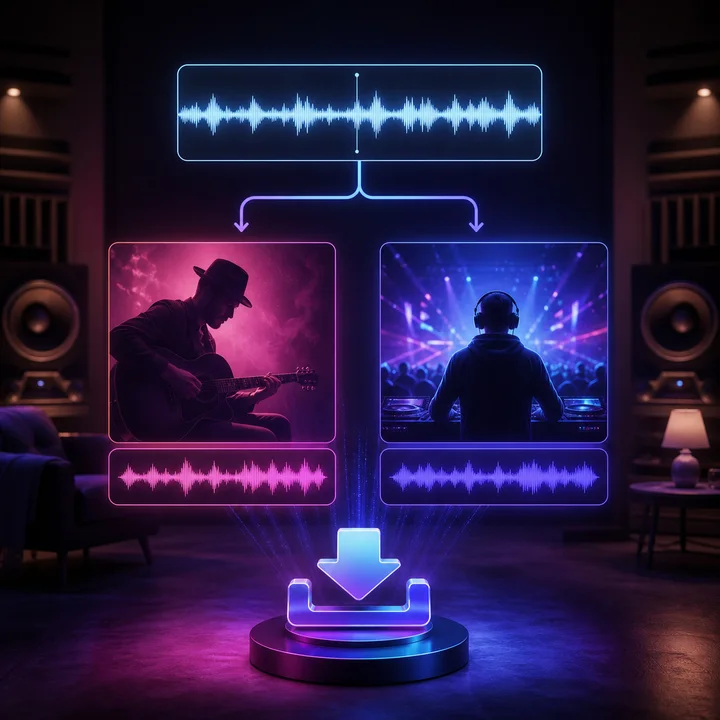
Click "Generate Cover" and wait 45-60 seconds. LyricsToSongAI creates TWO different interpretations of your description (AI explores slight variations). Listen to both, download the one you prefer (or both). Files come in broadcast-quality MP3 (320kbps) or studio-grade WAV. If neither version is perfect, tweak your description (e.g., change "energetic" to "explosive") and regenerate—takes another 60 seconds. Most creators get their ideal cover within 2-3 iterations.
Who Actually Uses AI Cover Generators?
YouTubers Uploading Song Covers Without Copyright Strikes
Cover artists on YouTube need versions that don't match Content ID's audio fingerprints. LyricsToSongAI's AI-generated vocals bypass this because they're technically new performances. One cover channel grew to 100K subscribers posting AI-transformed covers of trending songs—all monetization enabled because Content ID couldn't match the original recordings.
TikTok Creators Making Viral Sound Variations
TikTok trends die fast—by the time you hire a vocalist to record a viral sound parody, the trend's over. With LyricsToSongAI, upload the 15-second viral sound, describe your twist ("opera version" or "death metal screaming"), generate in 60 seconds, post immediately. Multiple creators hit 1M+ views with AI-covered sound variations.
Songwriters Demoing Songs in Multiple Vocal Styles
Before pitching a song to artists, songwriters need demos that showcase different interpretations. Hiring 5 different vocalists costs $500-1,500. LyricsToSongAI: Generate 5 vocal styles (male country, female pop, R&B crooner, etc.) for 25 credits (about $5). One Nashville songwriter pitches every song with 3 AI demo versions—clients can hear which style fits best.
Music Producers Testing Vocal Concepts Before Studio Sessions
Studio time is expensive ($100-200/hour). Producers use LyricsToSongAI to pre-test vocal ideas: "Should the bridge have harmonies? What if the chorus was an octave higher?" Generate AI covers with these experiments BEFORE booking studio time. If it works, replicate it with the real vocalist. If not, you saved hours of trial-and-error.
Language Learners Practicing Songs in Their Target Language
Want to practice singing in Spanish but can't find karaoke tracks? Upload an English song, tell LyricsToSongAI "Convert lyrics to Spanish, female pop vocals." The AI generates a Spanish-language vocal performance. Language students use this to practice pronunciation and rhythm—way more fun than textbook exercises.
Event Planners Creating Custom Entrance Songs for Weddings/Parties
A bride wants a romantic acoustic cover of a hip-hop song for her first dance. Hiring a musician costs $300-600. LyricsToSongAI: Upload the original, describe "slow acoustic guitar cover with soft female vocals, wedding ceremony vibe," generate in minutes. One event planner keeps a library of 50+ AI-covered versions of popular songs for different event moods.
AI Cover Song Generator FAQ
Ready to Transform Any Song Into Your Perfect Cover?
Upload a compatible track, describe the new style, and generate a cover without recording new vocals yourself.