
Music Extension
Upload audio or select from your library
Upload Audio
MP3, WAV, FLAC • 10s - 1 minute
Upgrade to upload up to 8 minutes
From Music Library
You need to sign in to access your music library and extend your favorite tunes.

Sample: Original Track
Demo, Sample • 2:51
Your lyrics will continue from this point
🎧 This is a demo preview. Upload your audio or sign in to try it yourself!
Original Track
·Source audio
Sample: Original Track
2:51
Extended Version
·AI-generated continuation
Sample: Extended Version 1
4:51
Sample: Extended Version 2
4:51
Create and extend your next AI song
Generate lyrics, turn text into a song, then use the AI music extender to continue the track for longer videos, podcasts, and playlists.
AI lyrics generator
Write song lyrics, hooks, verses, and choruses from a title, topic, mood, or genre.
Text to song generator
Turn text prompts, poems, stories, or custom lyrics into full AI songs with vocals.
Audio to MIDI converter
Convert MP3, WAV, and song audio into editable MIDI for production and remixing.
Create Original Music in Related Styles
After extending an audio idea, generate fresh AI music in popular styles for your next version.
AI Music Extender - Extend Songs and Audio Online
Need a 90-second track to be 3 minutes for your video? LyricsToSongAI's AI music extender continues songs, instrumentals, and generated music without obvious loops or fade-outs. Upload audio or select a generated track, extend it online, and create a longer version that keeps the same style.
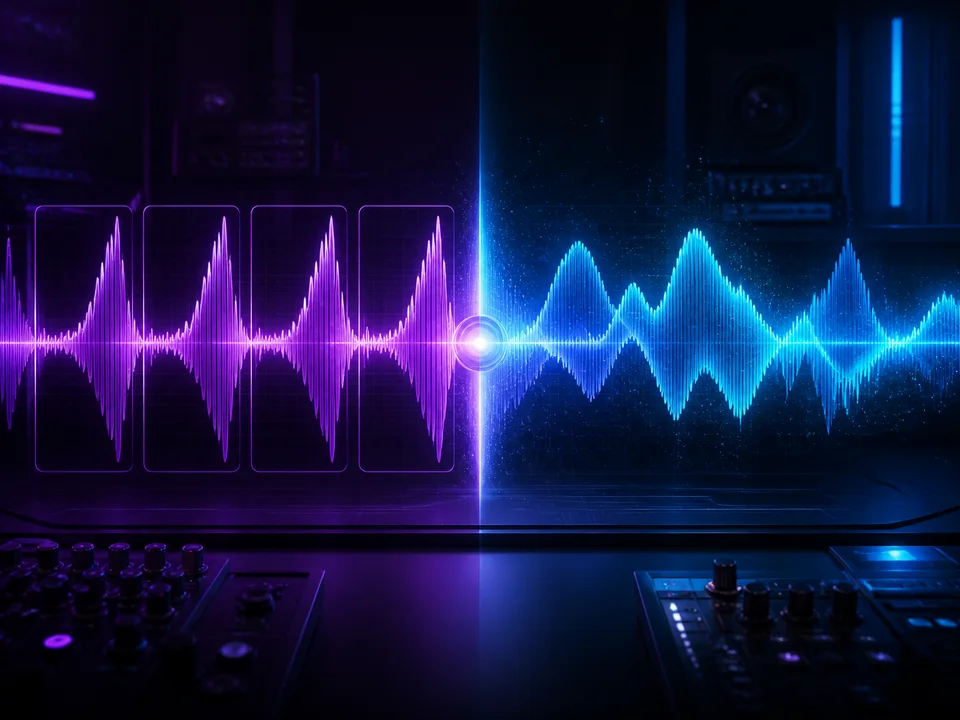
Why Not Just Loop the Song or Copy-Paste It?
Because your audience notices. Looped audio sounds amateur—especially when the loop point doesn't match (sudden volume changes, cut-off reverb). Copy-pasting creates exact repetitions that bore listeners. LyricsToSongAI's AI generates new musical content inspired by your original track—same instruments, same vibe, but fresh melodies and progressions. One YouTuber extended a 60-second intro to 180 seconds without a single viewer complaining about repetition. The AI doesn't loop—it composes.
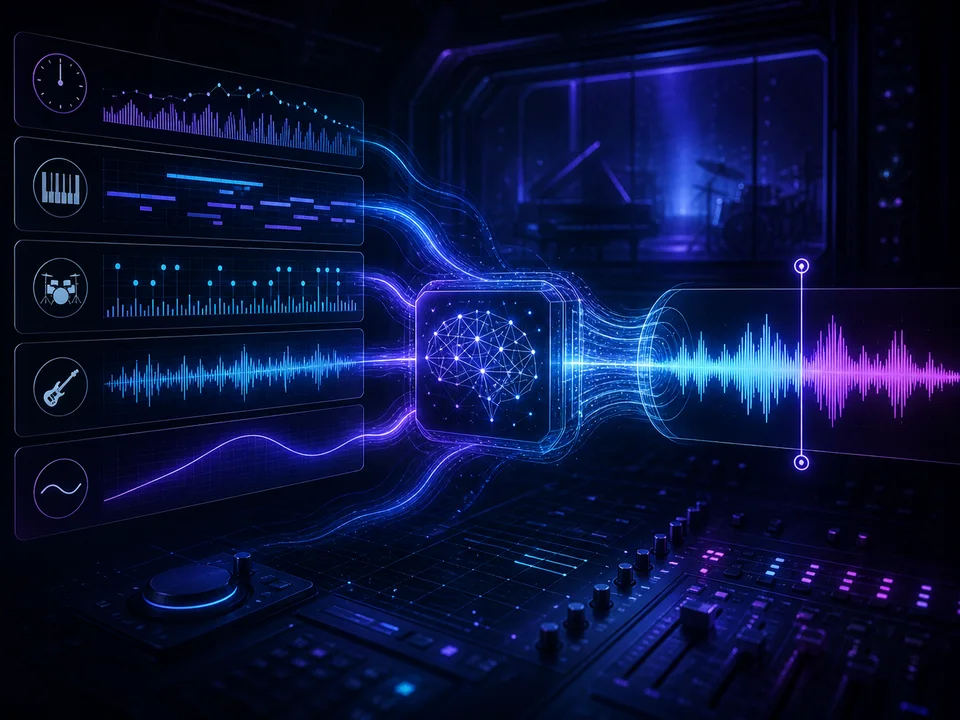
How Does AI Know Where to Continue Without Sounding Random?
Neural network magic. The AI analyzes your track's chord progressions, instrumentation, tempo, and energy curve—then predicts what would naturally come next based on millions of songs it studied. Think of it like autocomplete for music. You pick the exact continuation point (80% through works best), and the AI seamlessly bridges from there. Real example: A meditation music creator extended a 2-minute relaxation track to 10 minutes. Listeners couldn't tell where the original ended and the AI continuation began.
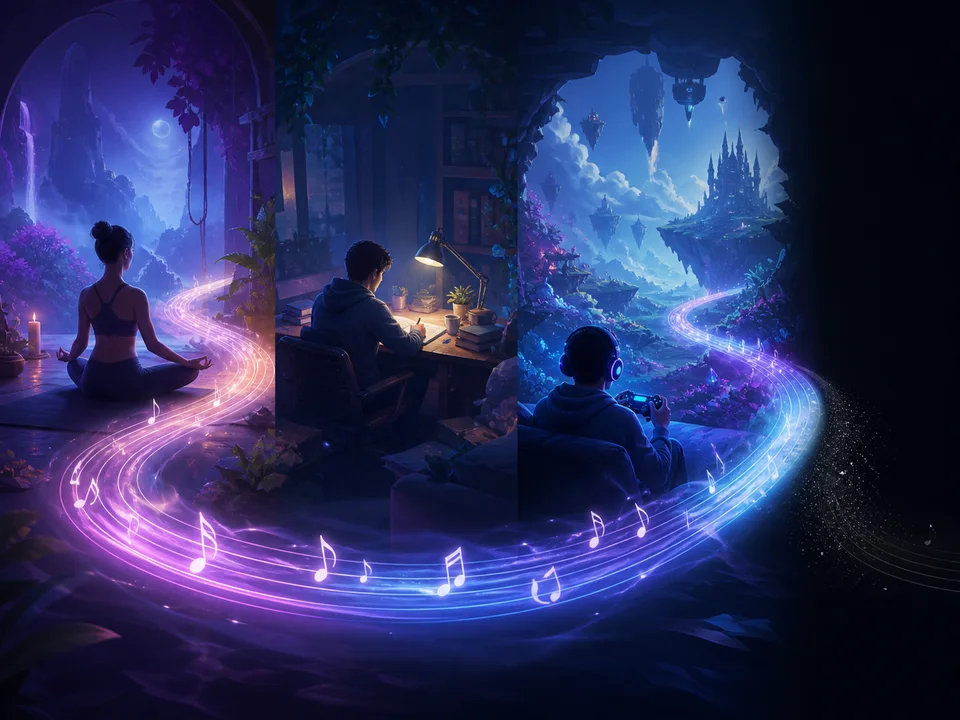
Can't I Just Use a Fade-Out and Start Another Song Instead?
You could, but that breaks immersion. Fade-outs signal "the end"—viewers expect transition, not continuation. Audio extending maintains flow for scenarios where you need one continuous track: yoga sessions, study playlists, background music for hour-long podcasts, game soundtracks. LyricsToSongAI lets you take a 90-second combat theme and extend it to 5 minutes without jarring shifts or energy drops. It's the difference between a DJ set and a Spotify shuffle.
Why Creators Use LyricsToSongAI Audio Extender
"My Video Is 4 Minutes But the Perfect Background Track Is Only 90 Seconds"
Content creators face this daily: The ideal music is too short. Options: (1) Loop it (sounds lazy), (2) Find different music (doesn't fit as well), (3) Edit video to match music (kills pacing). LyricsToSongAI's AI extends that 90-second gem to exactly 4 minutes—maintaining mood, tempo, and instrumentation. Cost: 17 credits (about $3-4). Time saved: 30+ minutes searching for alternative tracks. One travel vlogger extends every music snippet they use—their channel soundtracks feel cohesive because it's always the *same* track continued, never random replacements.
"I Need Hour-Long Ambience Tracks for Study/Sleep Content"
Meditation and study channels need 30-60 minute tracks minimum. Hiring a composer for custom hour-long ambience costs $200-500. Stock music has limited options. LyricsToSongAI workflow: Generate a 2-minute lo-fi beat or nature soundscape, extend it in 8-minute increments, stitch the extensions together (or let the AI do it). One sleep sounds channel built a 50-track library of extended ambience for under $200 total—would've cost $10K+ with composers.
"My Game Needs Battle Music That Doesn't Loop Awkwardly"
Game developers hate obvious music loops—players hear them hundreds of times. Short loops (30-60 seconds) become annoying fast. LyricsToSongAI extends battle themes to 5-8 minutes, so even marathon gaming sessions don't feel repetitive. The AI creates variations (different drum fills, alternate melodies) while keeping the core energy. One indie developer extended 12 short music cues to 8 minutes each—players complimented the "dynamic soundtrack" not realizing it was AI-extended.
"I Recorded a 60-Second Jingle But the Ad Spot Is 120 Seconds"
Commercial voiceovers often run longer than planned. Instead of re-recording with a slower read, extend the music to match the new duration. LyricsToSongAI maintains the jingle's energy without repeating the hook verbatim. Ad agencies use this for last-minute edits—client changes the script, no need to re-book the composer. One freelance producer saved a project when the client demanded a 180-second version of a 90-second track two days before launch.
Extend Your First Track in 3 Steps (Takes 2-3 Minutes)
Step 1: Select Your Source Track (From Library or Upload New Audio)
You can extend: (1) Any song you previously generated with LyricsToSongAI (it's already in your library), (2) Uploaded audio files (MP3, WAV, FLAC, up to 8 minutes). Upload quality matters—the AI analyzes your track's characteristics, so clearer audio = better extensions. Pro tip: If your original is 60 seconds, extending once creates 120-150 seconds total (the AI adds 60-90 seconds of new content per extension). Need 5 minutes? Run multiple extensions or specify "continue to 5 minutes" in custom settings.
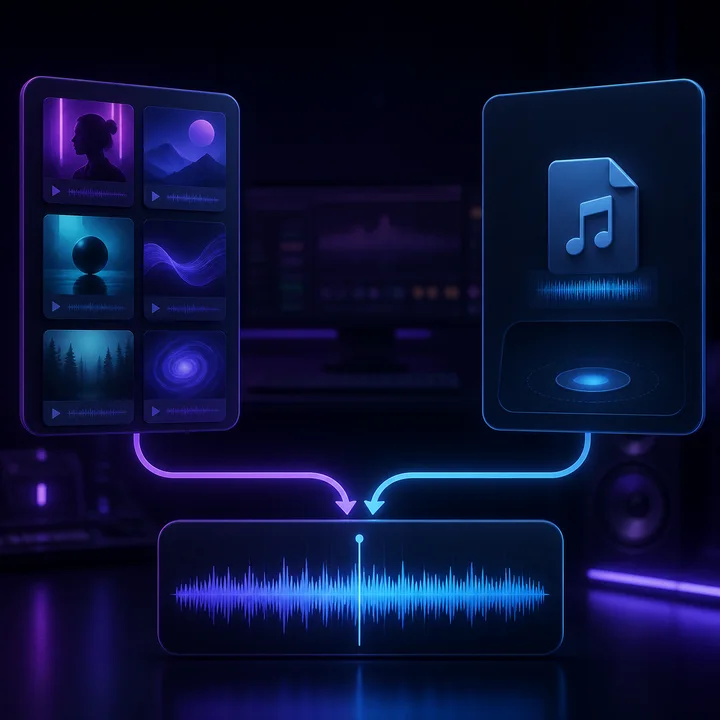
Step 2: Choose Extension Mode - Quick (AI Improvises) or Precise (You Write Lyrics)
Quick Mode (most popular): Set where the AI starts continuing (recommended: 80% through your track for smoothest transitions). The AI analyzes the last 20 seconds and generates a natural continuation—new melodies, chord progressions, or beats that flow seamlessly. Total time: ~90 seconds processing. Precise Mode (advanced): You write exact lyrics for the extended section. Best for songs where you want specific words sung after the original ends. Example: Extend a 2-minute love song with a custom bridge and final chorus. AI sings your lyrics in the same vocal style. Takes longer (~120-150 seconds) but gives total lyrical control.
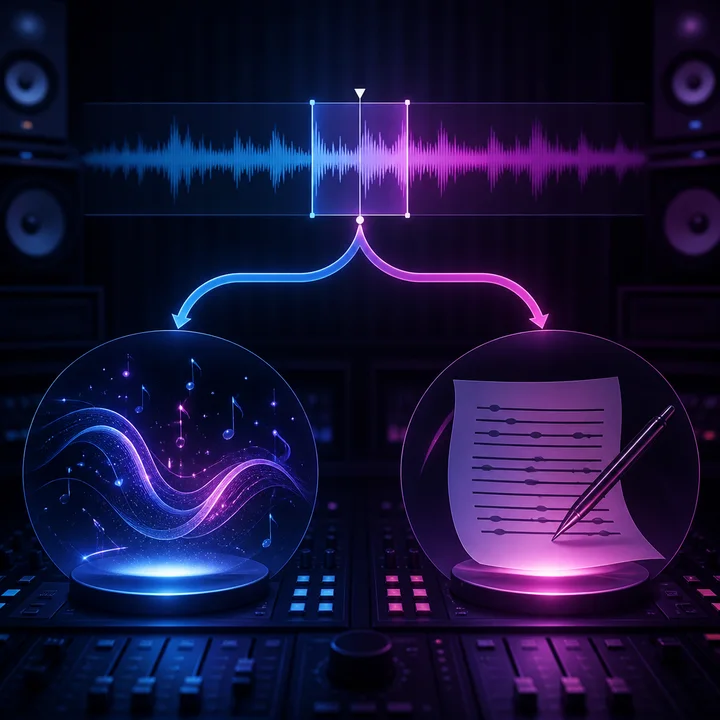
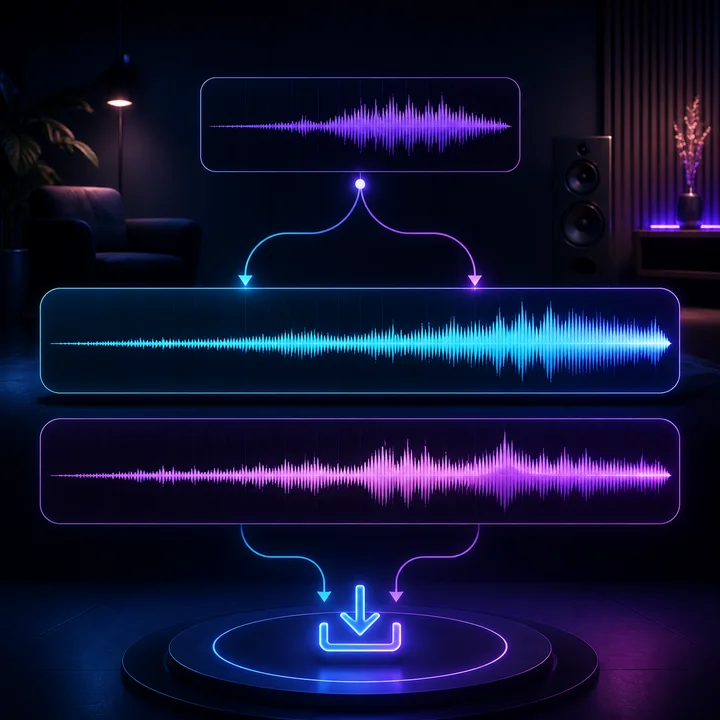
Step 3: AI Generates Two Extension Versions, Download Your Favorite (MP3 or WAV)
Why two versions? AI music generation has creative variability—think of it like two musicians improvising on your song. One might emphasize drums more, the other might add melodic variations. Listen to both (they auto-play side-by-side), pick the one that fits best, download as high-quality MP3 (320kbps) or WAV for professional use. The extension appears in your library too—you can extend it again later if you need even more length. Common workflow: Extend 60 seconds to 150 seconds (first extension), then extend that 150-second version to 300 seconds (second extension). No limit on re-extending as long as total length stays under 8 minutes.
Real Use Cases from LyricsToSongAI Users
YouTubers Matching Music Length to Video Edits
YouTube creators face this constantly: Video edit is 3:47, perfect music is 2:15. Instead of cutting video or finding new music, they extend the track to 3:50. Seamless fit. One tech reviewer extends every background track to match his 8-12 minute video lengths—viewers never notice because the music feels intentionally composed for each video's exact duration.
Podcast Producers Creating Custom-Length Intro/Outro Music
Podcast intros need to be exact lengths for automated editing workflows. Generic stock music comes in rigid 30/60-second versions. LyricsToSongAI lets producers create a signature 45-second intro that perfectly matches their branding. One podcast extended their 20-second jingle to 90 seconds for special episodes—same melody, but developed into a full arrangement.
Wedding Videographers Stretching Reception Music to Match Montage Length
Weddings are emotional—couples want THAT specific first dance song in their video. Problem: The song is 3:30, the montage is 5:00. LyricsToSongAI extends the couple's actual first dance song to match the video without awkward loops or DJ-style mixing. One videographer charges $200 extra for this "custom music extension" service—clients love hearing their song extended naturally.
Fitness Instructors Creating Workout-Length Versions of Motivational Tracks
Spin classes and HIIT workouts need high-energy music in specific durations (7-minute circuits, 45-minute classes). Instructors extend pump-up tracks to exactly match workout segments. No more "oops, the song ended mid-burpees." One yoga instructor extends meditation tracks to 20-minute savasana durations—students asked if she hired a composer (nope, LyricsToSongAI extended a 3-minute track).
Game Developers Creating Long Background Loops That Don't Sound Looped
Players spend 20+ hours in some game areas—short 60-second music loops drive them insane. LyricsToSongAI extends battle themes, exploration music, and menu screens to 8-minute tracks. The AI introduces enough variation that even hardcore gamers don't notice repetition. One solo developer extended 8 core music cues to 6-8 minutes each—saved $3,000+ versus commissioning longer compositions.
Event Planners Lengthening Processional Music for Unpredictable Ceremony Timing
Weddings, graduations, awards ceremonies—processional timing varies wildly. A 2-minute track might need to be 4 minutes if the bride walks slowly. Event planners keep extended versions ready: one 2-minute original, one 5-minute extended version, one 8-minute "just in case" version. All generated from the same source. No awkward fade-outs when great-grandma takes her time.
AI Audio Extender FAQ
Stop Looping—Start Extending With AI
Make a song fit your target length without relying on an obvious loop.