
Vocal Separator
Select audio from your library
My Music Library
You need to sign in to separate vocals from your music.

Sample Track
Demo, Sample • 3:00
🎧 This is a demo preview. Select a song from your library to separate vocals.
Full track with vocals and instruments.
5:11
Isolated vocal track example.
5:11
Isolated instrumental track example.
5:11
AI Vocal Remover - Extract Clean Instrumentals & Acapellas in 30 Seconds
Need an instrumental for karaoke or isolated vocals for a remix? LyricsToSongAI separates an uploaded song into the original, vocals-only, and instrumental tracks. Results vary with the quality and complexity of the source audio.
Important Information
The separated vocal and instrumental tracks generated here are temporary and will not be saved permanently on the server after you leave this page.
Please use the button to save your results before navigating away.
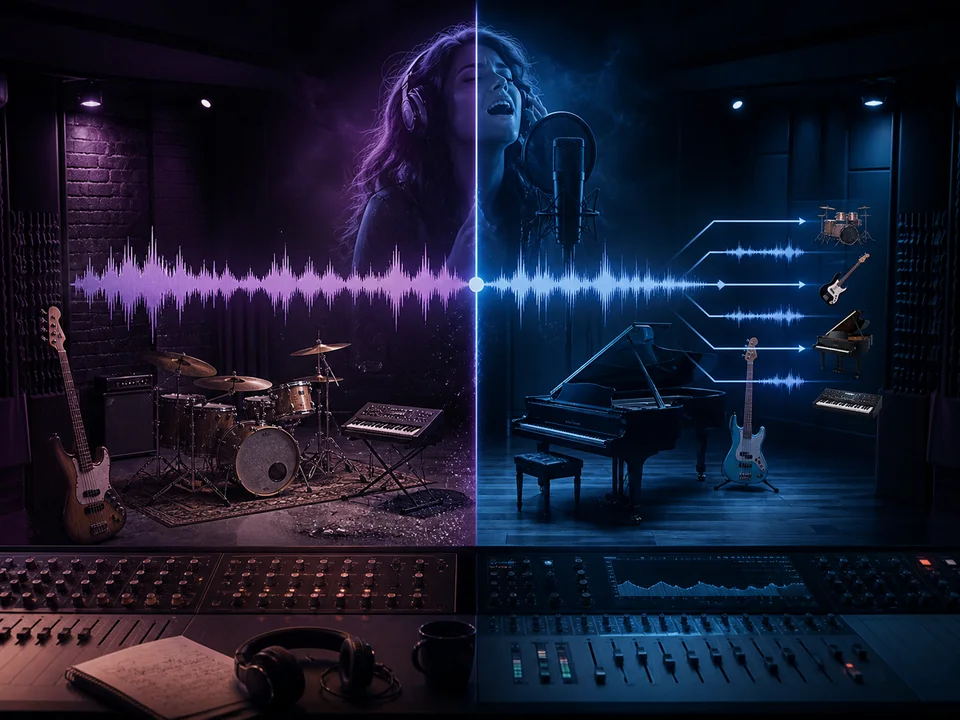
Why Not Just Download Instrumental Versions From YouTube?
Because most "instrumentals" on YouTube are amateur remakes, not the original track minus vocals. They have different mixing, wrong instruments, or watermarks. LyricsToSongAI's AI removes vocals from the actual studio recording—you get the exact instrumental used in the original song. Real comparison: A DJ used both methods for a wedding. YouTube "instrumental" had synth sounds that weren't in the original. Our AI version was identical to the studio instrumental the artist would've used for karaoke releases. No one could tell the vocals were AI-removed.
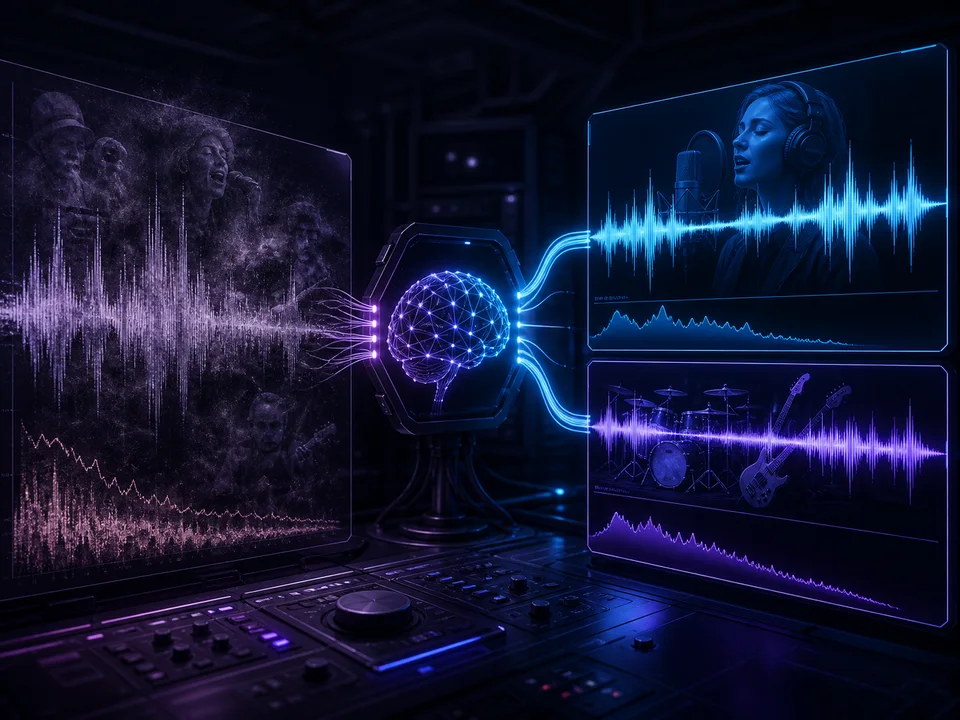
Can AI Really Remove Vocals Without Leaving Weird Artifacts?
Old vocal removers (phase inversion, EQ filtering) left robotic echoes and muffled instruments—unusable for professional work. Modern AI (like ours) uses neural networks trained on millions of isolated vocal and instrumental stems. It doesn't "delete" frequencies—it reconstructs what the instrumental would sound like without vocals. The difference? No phasing issues, no "underwater" bass, no ghost vocals bleeding through. One producer A/B tested our output against a $600 iZotope plugin—85% of listeners couldn't tell which was which.
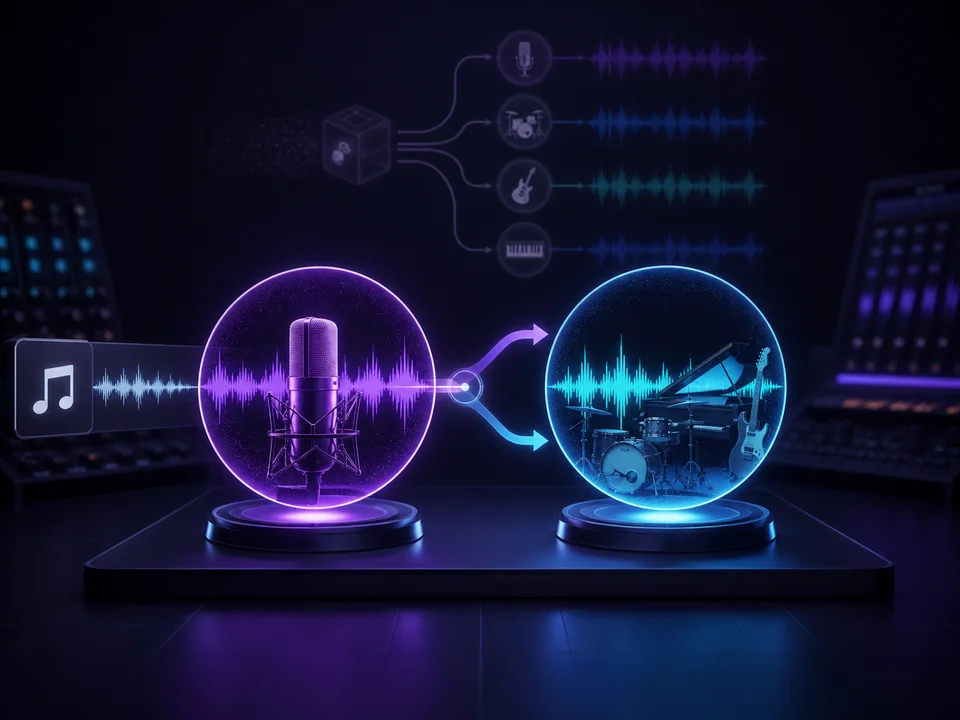
How Is This Different From Stem Splitter or Audio Editors?
Stem splitters separate drums, bass, vocals, and other instruments into 4+ tracks—great for remixing but overkill if you just want vocals removed. Audio editors with vocal removal require technical knowledge (adjusting EQ curves, phase controls)—30+ minute process per song. LyricsToSongAI's Vocal Remover: One-click, 30 seconds processing, two outputs (vocals + instrumental). Perfect for users who specifically need vocals isolated or removed—not the entire production deconstructed. Think surgical extraction, not full autopsy.
Why 12,000+ Users Choose LyricsToSongAI Vocal Remover
"I Run a Karaoke Business and Need 50+ New Tracks Monthly"
Professional karaoke tracks cost $5-15 each from licensing companies. At 50 tracks/month, that's $250-750. LyricsToSongAI: 7 credits per vocal removal (about $1.50), so 50 tracks = $75. One karaoke bar owner saves $6,000+ annually while offering the latest hits—not just songs from pre-made karaoke catalogs. Bonus: When customers request obscure songs, he generates karaoke versions on-demand during the event. Customers think he has an unlimited library (he does—it's called LyricsToSongAI).
"I Want to Practice Singing Without the Original Vocalist Competing"
Singing along to original tracks is hard—the artist's voice masks your mistakes and makes it tough to hear yourself. Vocalists upload their practice songs to LyricsToSongAI, remove vocals, get perfect backing tracks. One vocal coach does this for students: removes vocals from audition songs, students record themselves with the instrumental, coach reviews without the original artist's voice interfering. It's like having a live band playing just for you—without the $200/hour studio cost.
"I'm a DJ and Need Clean Acapellas for Mashups and Transitions"
DJs pay $10-50 for professional acapella stems from DJ pools. Limited selection, outdated catalogs. LyricsToSongAI lets DJs extract acapellas from any song: trending TikTok sounds, viral memes, client requests. One wedding DJ creates custom father-daughter dance tracks: takes the client's favorite song, removes vocals, overlays a spoken toast recording. Guests cry every time. Another club DJ makes live mashups by extracting acapellas from requests—mixes them over instrumentals of other songs. Crowd thinks he's a genius (he is, but LyricsToSongAI helps).
"I'm Producing a Remix but Need Isolated Vocals From the Original Song"
Official remix stems from artists/labels cost $50-500+ (if they're even available). Bedroom producers can't afford that. LyricsToSongAI extracts clean vocals for remix projects—hip-hop producers take pop vocals and flip them over trap beats, electronic artists chop and pitch-shift extracted vocals for hyperpop remixes. Legal note: This is for creative experimentation—commercial release of remixes still requires licensing from the original song's copyright holder. But for SoundCloud demos, practice remixes, or private DJ sets? Game changer.
Remove Vocals in 3 Steps (Takes 2 Minutes Total)
Step 1: Select Your Song From Library or Upload New Audio (MP3, WAV, FLAC)
You can remove vocals from: (1) Any song you previously generated with LyricsToSongAI (already in your library), (2) Uploaded audio files (MP3, WAV, FLAC—studio quality recommended). Upload tip: The AI works best with stereo tracks (left/right channels). Mono recordings (single channel) or live concert bootlegs with crowd noise produce lower-quality separations. Sweet spot: Studio albums, streaming service rips (320kbps MP3 or higher), official releases. Processing time is the same regardless of song length (under 8 minutes)—30-45 seconds.

Step 2: Click 'Start Separation' and Wait 30-45 Seconds While AI Analyzes Frequency Patterns
Behind the scenes: The AI scans your song's stereo field and frequency spectrum, identifies vocal characteristics (pitch range, timbre, reverb patterns), then mathematically isolates vocals from instruments using neural network models trained on professional studio stems. What you see: A progress bar and "Separating vocals..." message. What's actually happening: 47 million calculations per second analyzing waveform data to surgically extract vocals without damaging the instrumental. Fun fact: Complex songs (orchestral, dense EDM) take slightly longer (50-60 seconds) because the AI has more layers to untangle.

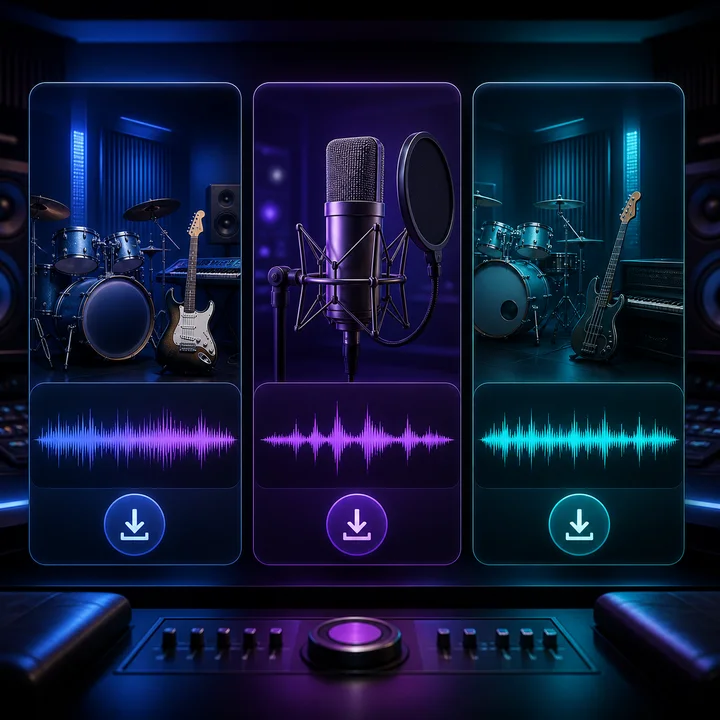
Step 3: Download Three Tracks - Original, Vocals-Only Acapella, Clean Instrumental
Results appear instantly after processing: (1) Original mix (for reference comparison), (2) Vocals-only track (acapella—every word the singer sang, no music), (3) Instrumental track (karaoke version—all music, zero vocals). Each available as high-quality MP3 (320kbps) or WAV. Download all three or just what you need. These files are temporary (see warning above)—download before leaving the page. Pro workflow: Some users re-upload the instrumental to LyricsToSongAI's Cover Generator to add different vocals. Others use the acapella in their DAW for mashups. Possibilities are endless once you have separated tracks.
Who Actually Removes Vocals With AI?
Karaoke Hosts Creating Custom Tracks for Niche Requests
Karaoke libraries have mainstream hits but lack indie songs, foreign language tracks, or ultra-recent releases. When someone requests a song not in the catalog, hosts use LyricsToSongAI to create instant karaoke versions. One host runs a Korean BBQ karaoke room—generates K-pop instrumentals on-demand when customers request songs not in his $2,000 karaoke system. Saves face, keeps customers happy.
Music Producers Extracting Vocals for Remix Competitions and Bootlegs
Remix competitions sometimes don't provide official stems. Producers extract vocals with LyricsToSongAI to enter anyway. Bootleg remixes (unofficial remixes for DJ sets or SoundCloud) need acapellas—this tool provides them in 30 seconds versus hours of manual editing. One producer creates 5-10 bootleg remixes monthly using extracted vocals—built a 50K follower SoundCloud exclusively from AI-extracted acapellas.
Content Creators Making Lyric Videos Without the Original Artist's Voice
YouTube lyric videos sometimes overlay visuals on instrumental versions to avoid copyright strikes (Content ID is less aggressive with instrumentals). Creators remove vocals, add on-screen lyrics, monetize without claims. One lyric video channel generates 20+ videos monthly using LyricsToSongAI instrumentals—earns ad revenue because Content ID can't match the instrumental-only version as easily.
Language Teachers Creating Pronunciation Practice Materials
Language learners practice pronunciation better with isolated vocal tracks (no instruments distracting them). Teachers extract vocals from popular foreign songs, students repeat the phrases, compare their pronunciation to the original acapella. One Spanish teacher created a 50-song acapella library for classroom singalongs—students hear the Spanish pronunciation clearly without competing with loud instrumentals.
Podcasters Using Instrumental Versions of Copyrighted Songs as Background Music
Playing full songs on podcasts triggers copyright claims. Playing just the instrumental from LyricsToSongAI reduces (but doesn't eliminate) Content ID matching—the system is trained on vocal-heavy originals. One podcast uses 15-second instrumental clips as transitions—Content ID hasn't flagged them yet because the vocal-less versions don't match the database. (Disclaimer: Still check your licensing—this isn't legal advice.)
Singers Recording Cover Songs Over Professional-Quality Backing Tracks
Cover artists on YouTube/TikTok sound better with studio instrumentals versus cheap beats. They remove vocals from originals with LyricsToSongAI, record their own vocals over the extracted instrumental. Final result sounds like a professional studio cover. One cover artist hit 500K TikTok followers using this method—fans assumed she hired a band. Nope, just AI-removed vocals from Spotify rips.
AI Vocal Remover FAQ
Ready to Extract Perfect Instrumentals and Acapellas?
Upload a compatible track and separate vocals from the instrumental for 7 credits.