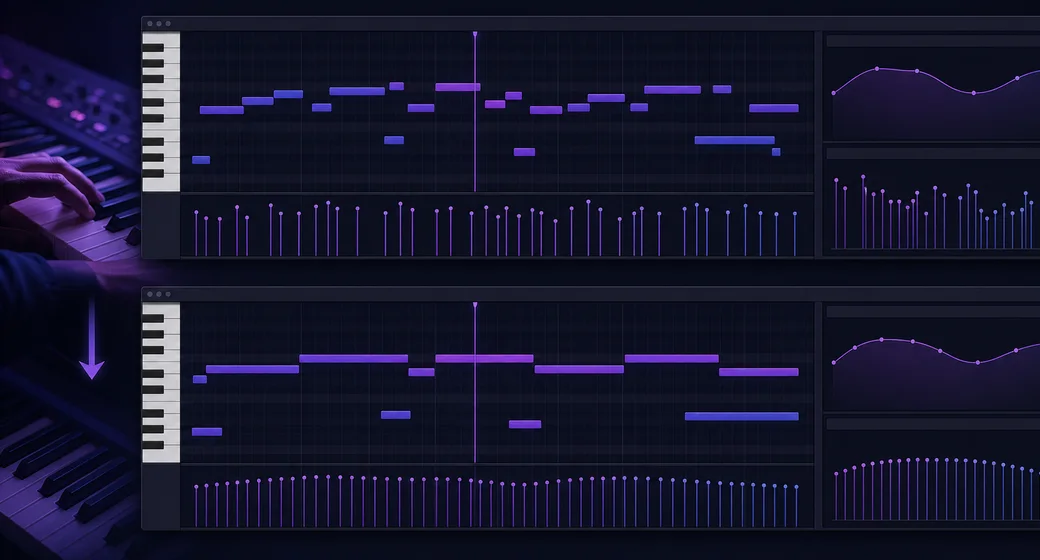
Tighten a live keyboard take
Quantize loose 16th-note runs, smooth velocities, and add modulation curves before re-exporting to your DAW.
00:15 preview - cleaned synth arpeggio

Launch the AI MIDI editor directly in your browser to arrange, quantize, and export patterns instantly.
Loading tool...
Preview the experience in seconds
Open the browser workspace to refine existing clips or sketch new ideas without installing software.
Value propositions
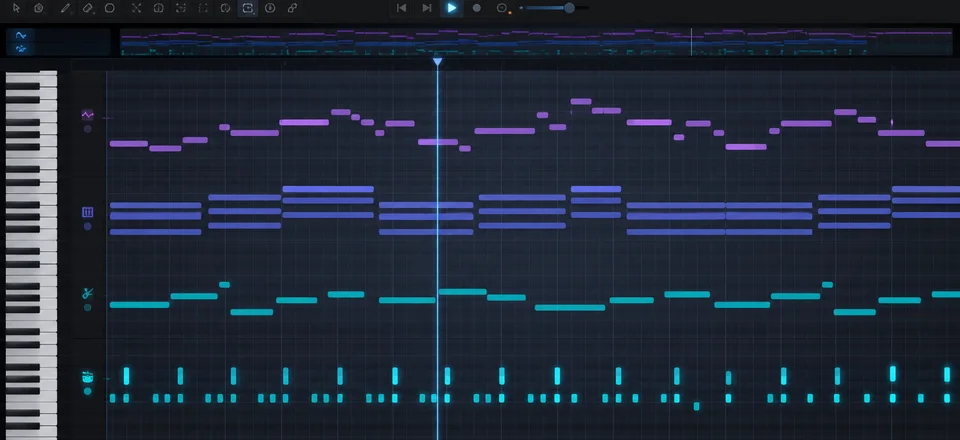
Edit melodies, chords, drums, and automation in a responsive multi-track view that works on any desktop device.
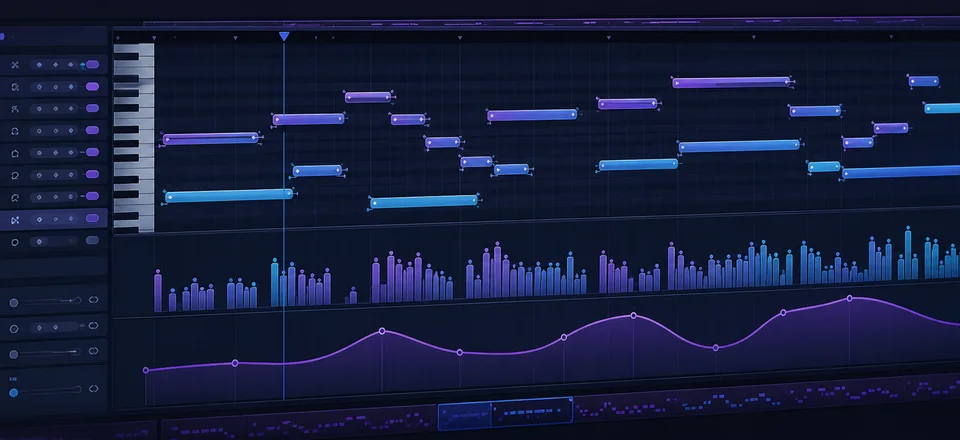
Quantize with strength controls, draw velocity curves, stretch notes, and loop clips without leaving the browser.
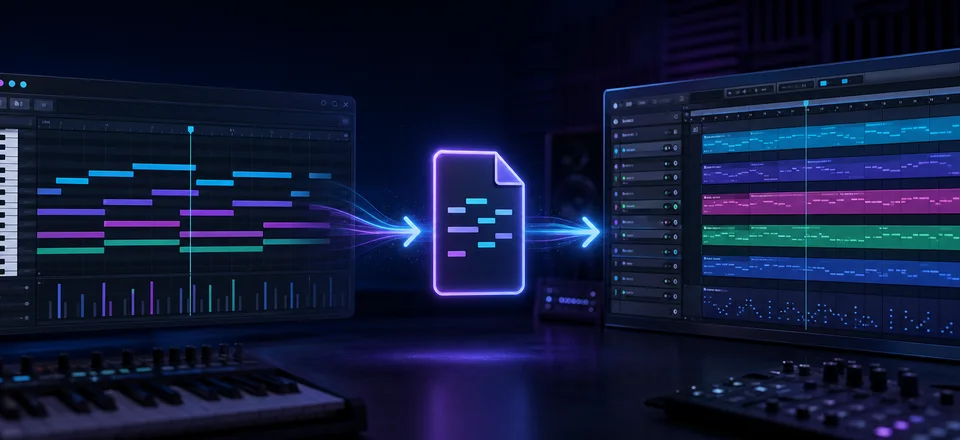
Export standard MIDI files that slot cleanly into Ableton Live, Logic Pro, FL Studio, Pro Tools, and more.
Hear different genres before you dive in
Quantize loose 16th-note runs, smooth velocities, and add modulation curves before re-exporting to your DAW.
00:15 preview - cleaned synth arpeggio
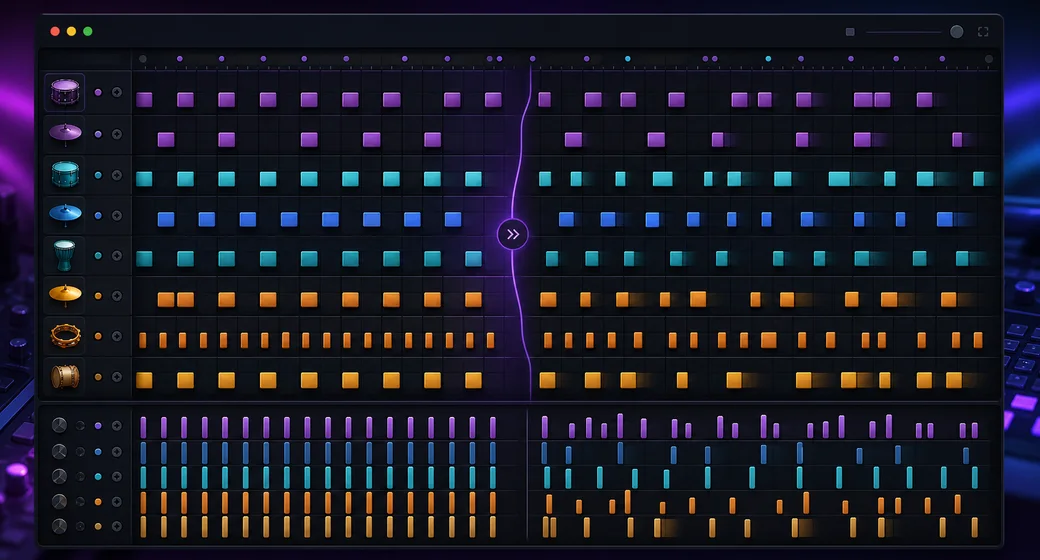
Start with a rigid grid, apply swing, vary velocities, and layer percussion for a more organic groove.
00:08 preview - humanized drum groove
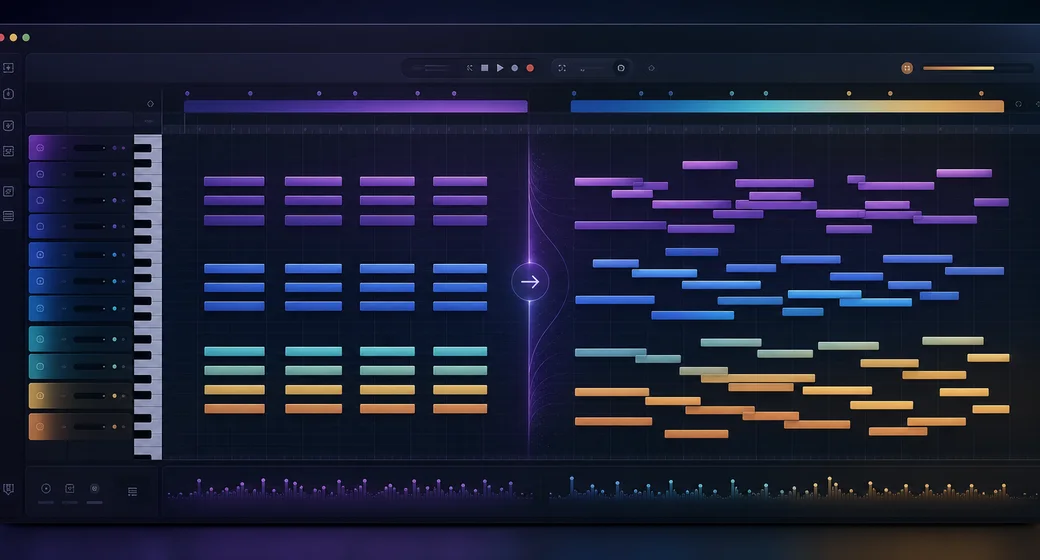
Duplicate progressions across tracks, invert voicings, and audition spreads in minutes.
00:12 preview - revoiced chord sequence
Explore ready-to-run ideas grouped by mood, genre, and theme
Select notes > press Q > choose 1/8 swing at 55% strength to tighten while keeping groove.Switch to velocity view > draw crescendo > copy to other lanes for cohesive dynamics.Set loop points in the timeline > enable loop playback > edit endings while monitoring transitions.Ctrl+Shift+Click isolates a lane; Alt+Drag copies notes without affecting timing.Hold Space for hand tool, use Page Up/Down to jump octaves, and use +/- to zoom.Press A to toggle automation lanes, then Shift+Drag to draw precise CC ramps.Duplicate a melody to a new track, offset by two bars, and invert for instant counterpoint.Copy chord tones to higher octaves, reduce velocities, and add slow automation for pads.Shift every second hi-hat 10 ms late, reduce velocity slightly, and layer ghost notes.Select the clip, press Q, and apply 1/16 quantize at 60% strength for natural tightness.Show velocity view, drag a crescendo across the bar, then copy with Ctrl+D to repeat.Use Ctrl+A to select the section, hold Shift, and drag to clone it while keeping automation.Follow these steps to move from idea to final mix
Generate a new MIDI idea from a text prompt, then refine it in the online MIDI editor.
Convert MP3 or WAV audio into MIDI notes before editing the result in a piano roll.
Use the main AI MIDI generator workflow when you want prompt-to-MIDI creation.
Record MIDI from a keyboard first, then open the editor to clean timing and velocity.
See how our MIDI editor stacks up against other web-based piano rolls.
| Platform | Highlights | Free plan | Outputs |
|---|---|---|---|
| AI MIDI Editor (this page) | Multi-track piano roll, automation lanes, browser based | Yes | MIDI Type 0/1, CC automation |
| Flat.io Studio | Notation-first workflow with MIDI editing and collaboration | Limited | MIDI, MusicXML |
| Soundation Sequencer | Pattern clips, real-time collaboration, integrated instruments | Yes | MIDI, Audio stems |
| BandLab Mix Editor | Cloud projects, loop library, basic piano roll editing | Yes | MIDI, Audio mixdowns |
Inspiration for different creator workflows
Polish imported stems, tighten timing, and prep arrangements before final mixdowns.
Layer drums and melodic lines, tweak swing, and bounce polished MIDI for your DAW.
Experiment with voicings, orchestration, and automation inside a browser session.
Demonstrate MIDI editing techniques without asking students to install software.
Answers for licensing, quality, and workflow
Deep-dive context for AI-generated music
An AI MIDI editor blends traditional piano roll workflows with smart defaults that speed up arrangement tasks.
Our browser workspace runs entirely client-side while delivering the precision producers expect from desktop tools.
Pair the editor with AI generators to spark ideas, then finesse timing, velocity, and automation for professional results.
Unlock full-length renders, commercial licenses, and curated prompt packs when you generate your first track.